Know whereyour moneyis going.

Smarter expense tracking for Kenya.

How it works

Track. Understand. Budget.

Four quick steps to get started.

Step 1

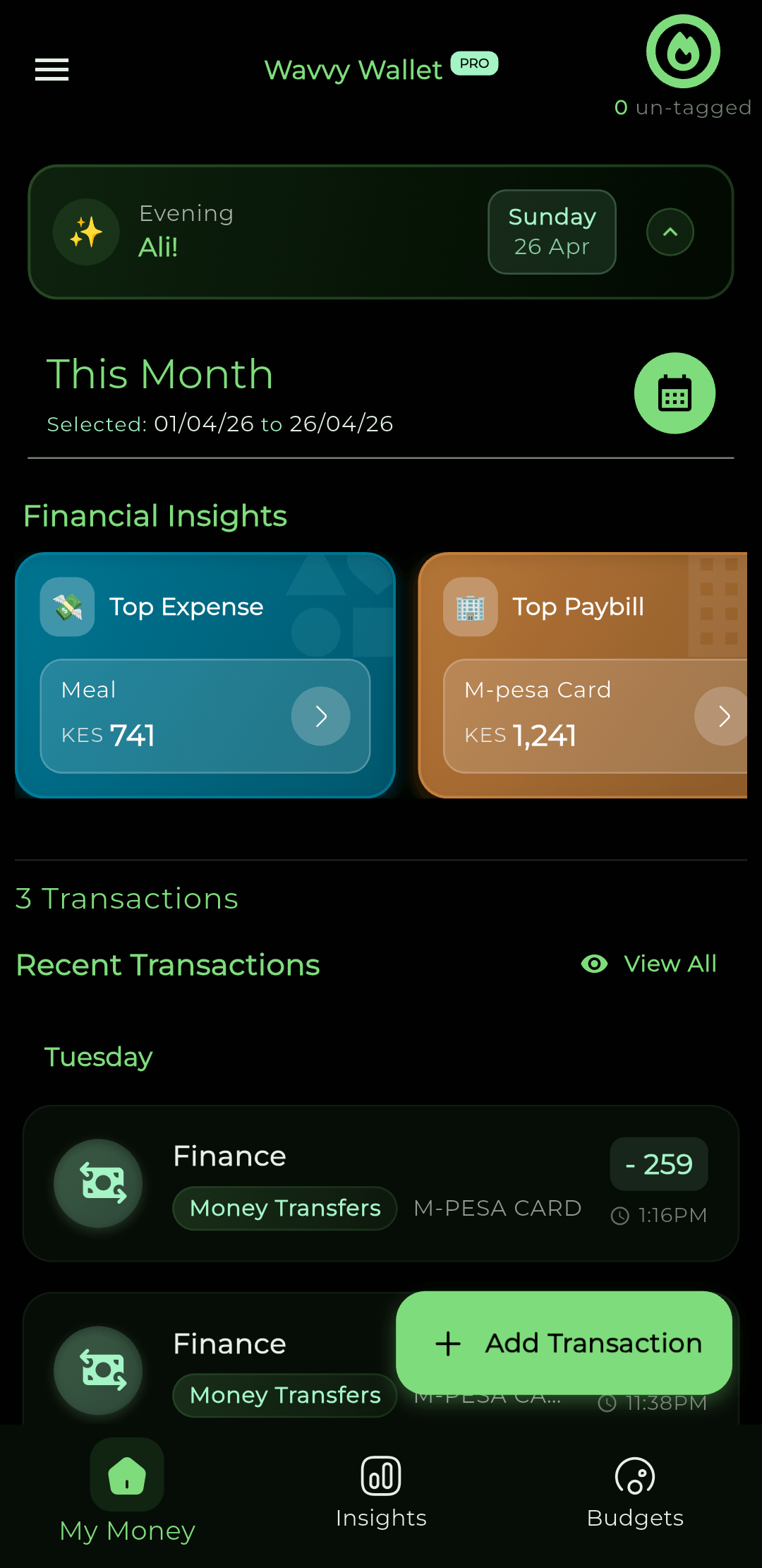
AI-assisted expense tracking

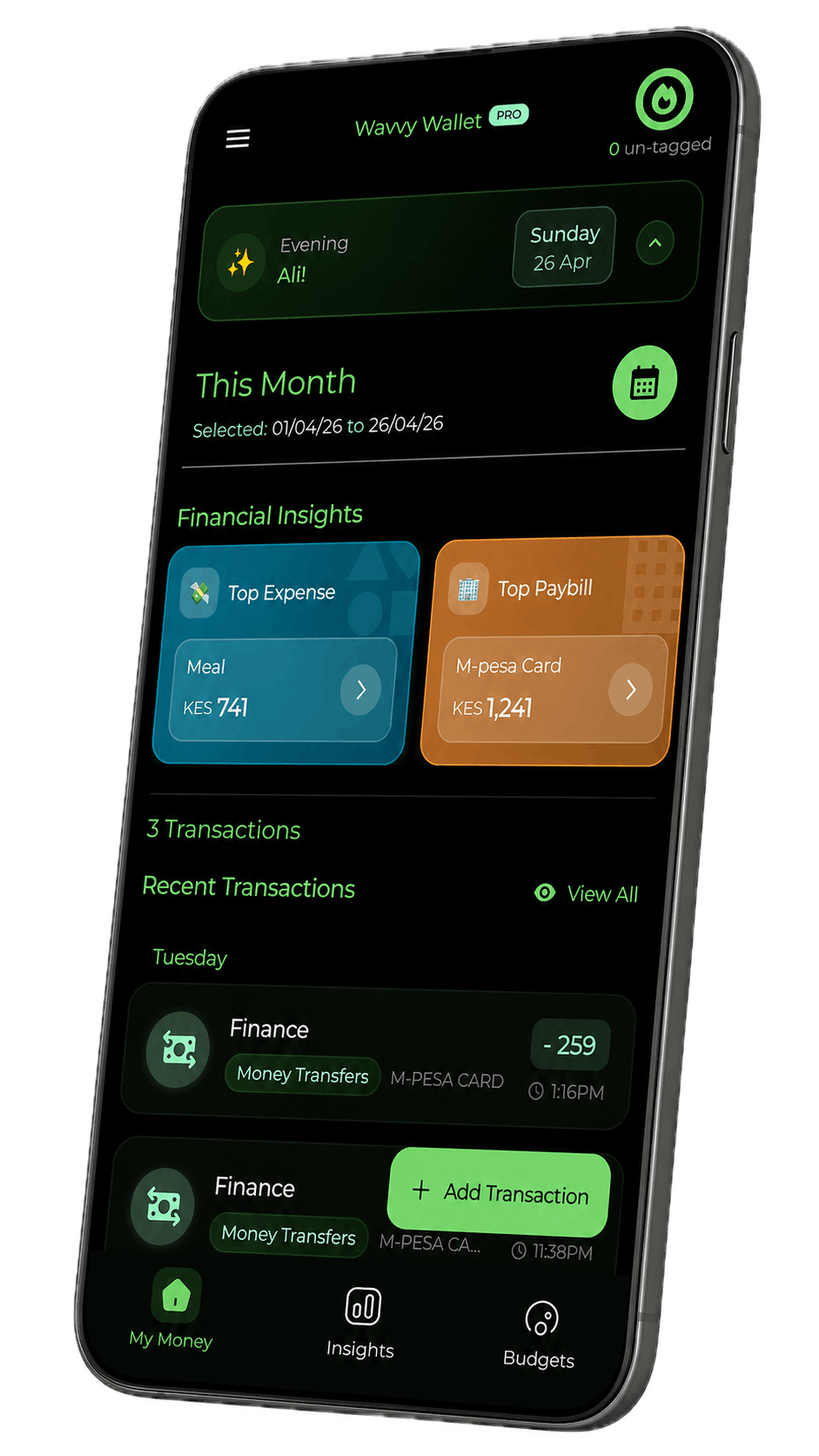
Import transactions from SMS and PDF statements, bank or cash in the same view, and create categories that stay current as you spend. Avoid the Sunday-night spreadsheet hassle.

  • Import from mobile money, bank & cash
  • AI categorizes and keeps learning
  • Smart categories that update as you spend
  • Secure, private and 100% yours

Step 2

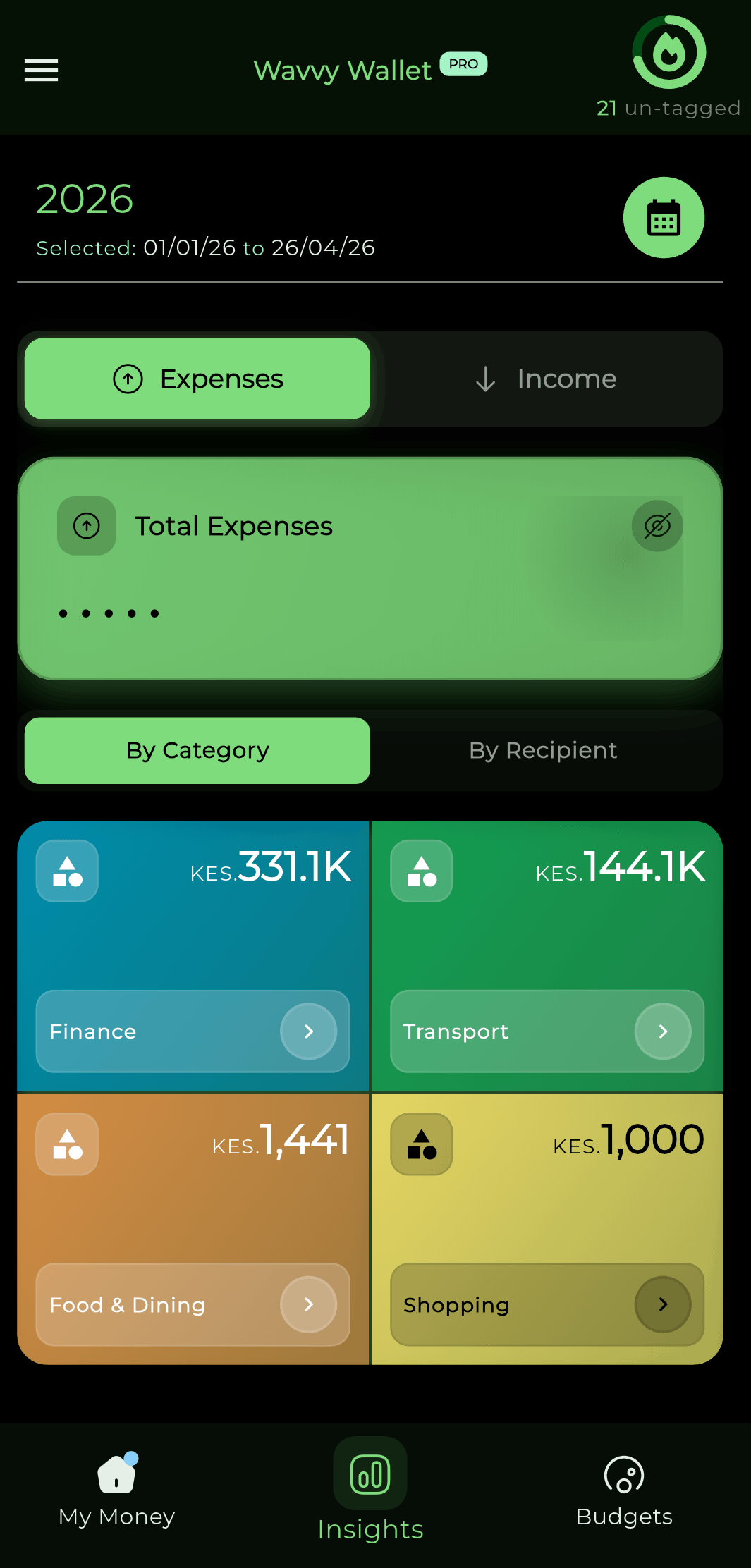
Know where money goes faster

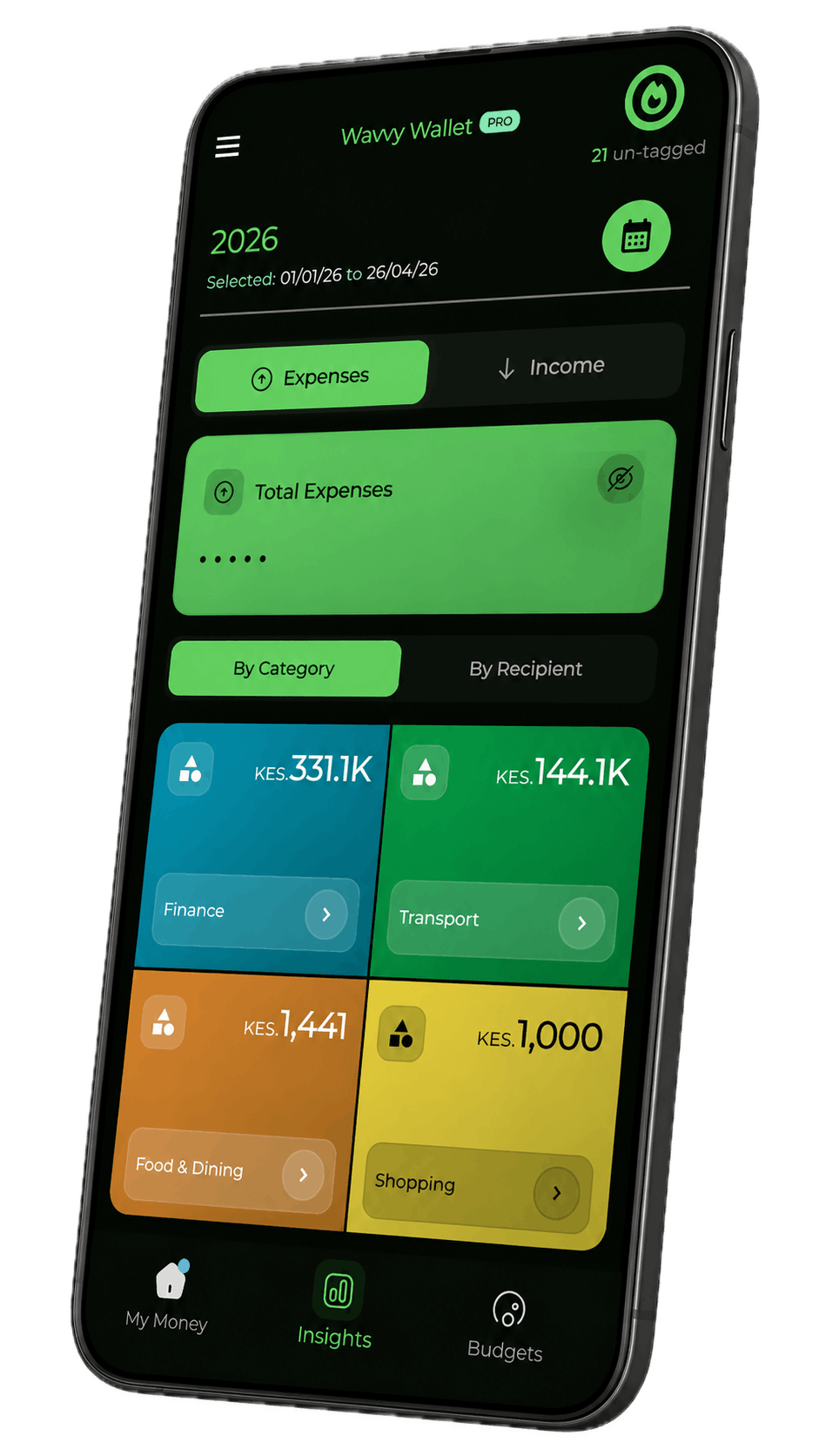
Insights and breakdowns tuned for local habits, so you spot drift early and decide with confidence.

  • Category and merchant views in one place
  • See trends week over week without extra work

Step 3

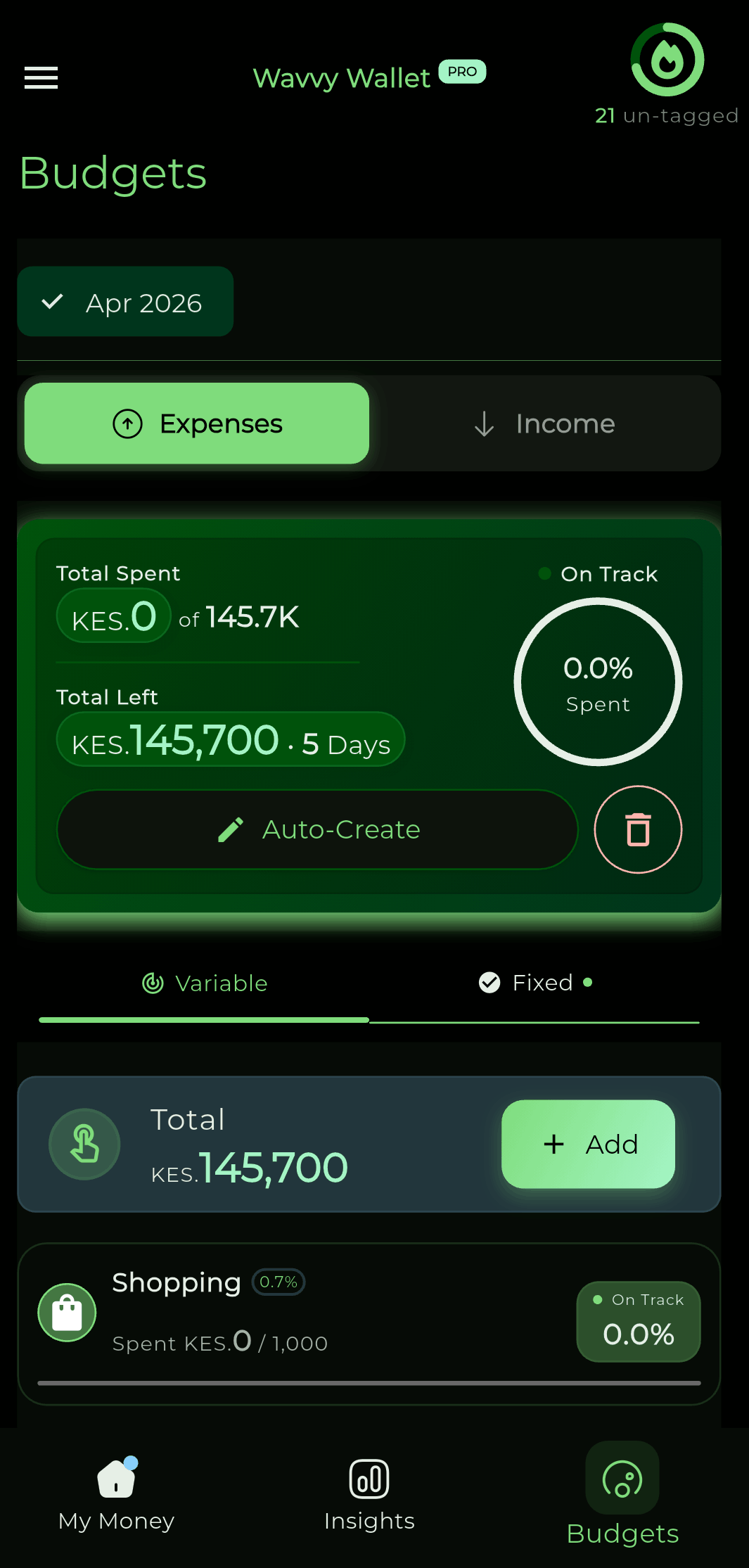
Budgeting for what matters

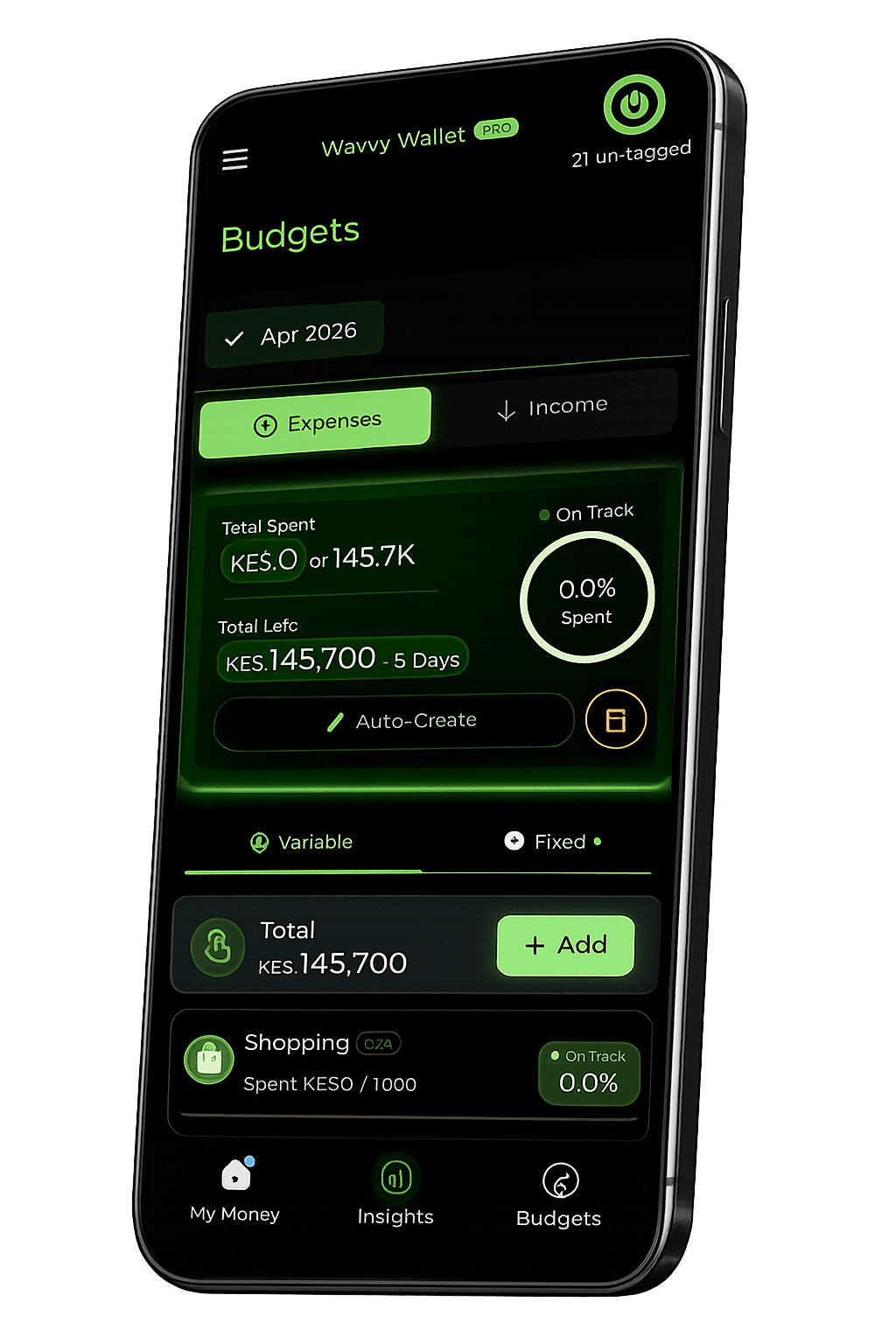
Set envelopes for rent, transport, airtime, and family support. Clear progress before you tap Send again.

  • Envelopes with limits you can actually follow
  • Heads-up before you overspend a category

Step 4

Interested in learning more?

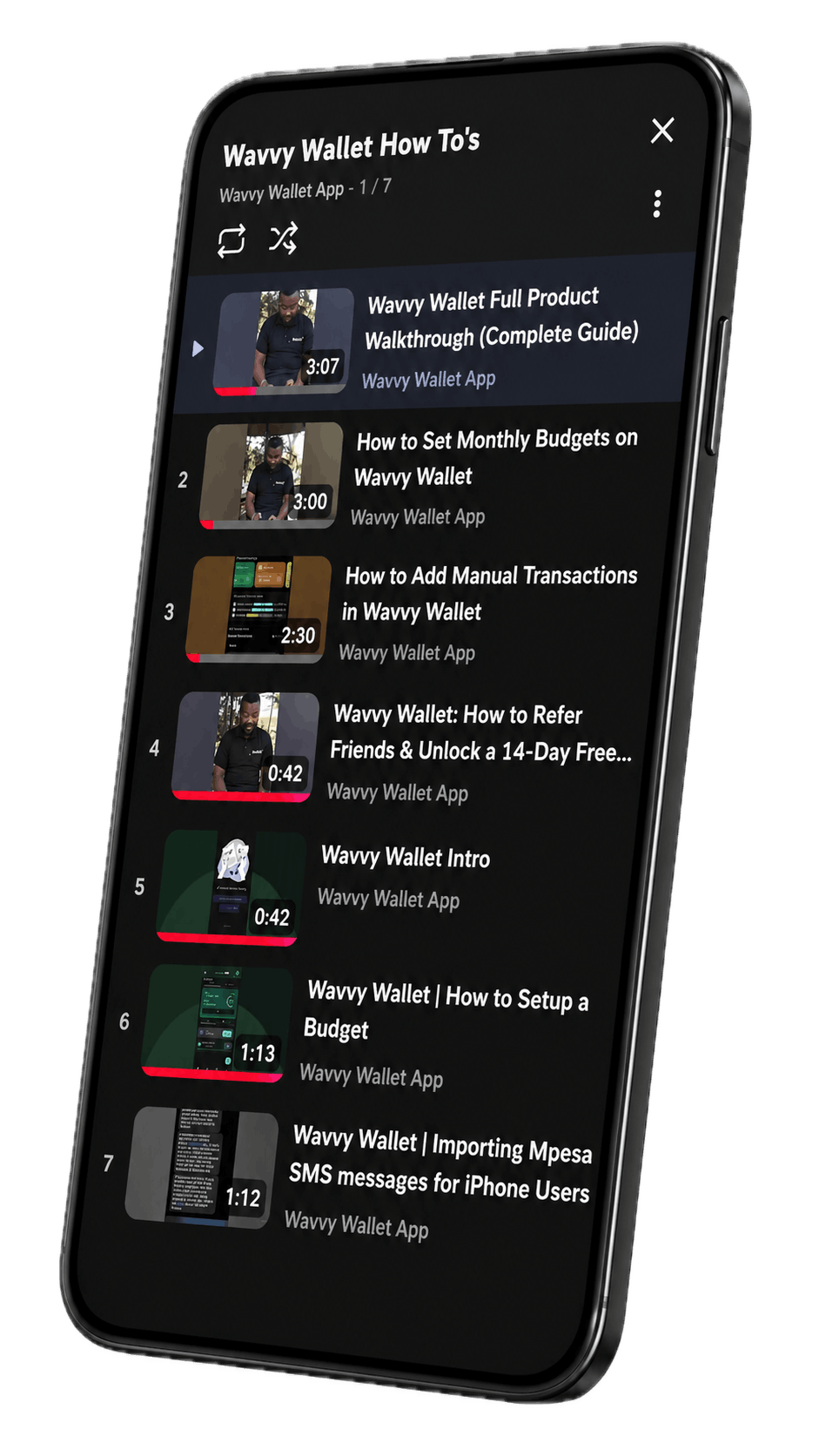
Check out our tutorials for guided walkthroughs and practical tips that help you get more value from Wavvy Wallet.

  • Short, practical video walkthroughs
  • Follow along step by step at your pace
Check out tutorials

Why Wavvy Wallet Matters

Our Mission

Financial Freedom and Inclusion

Enables underserved users, including those without traditional bank accounts, to take control of their finances.
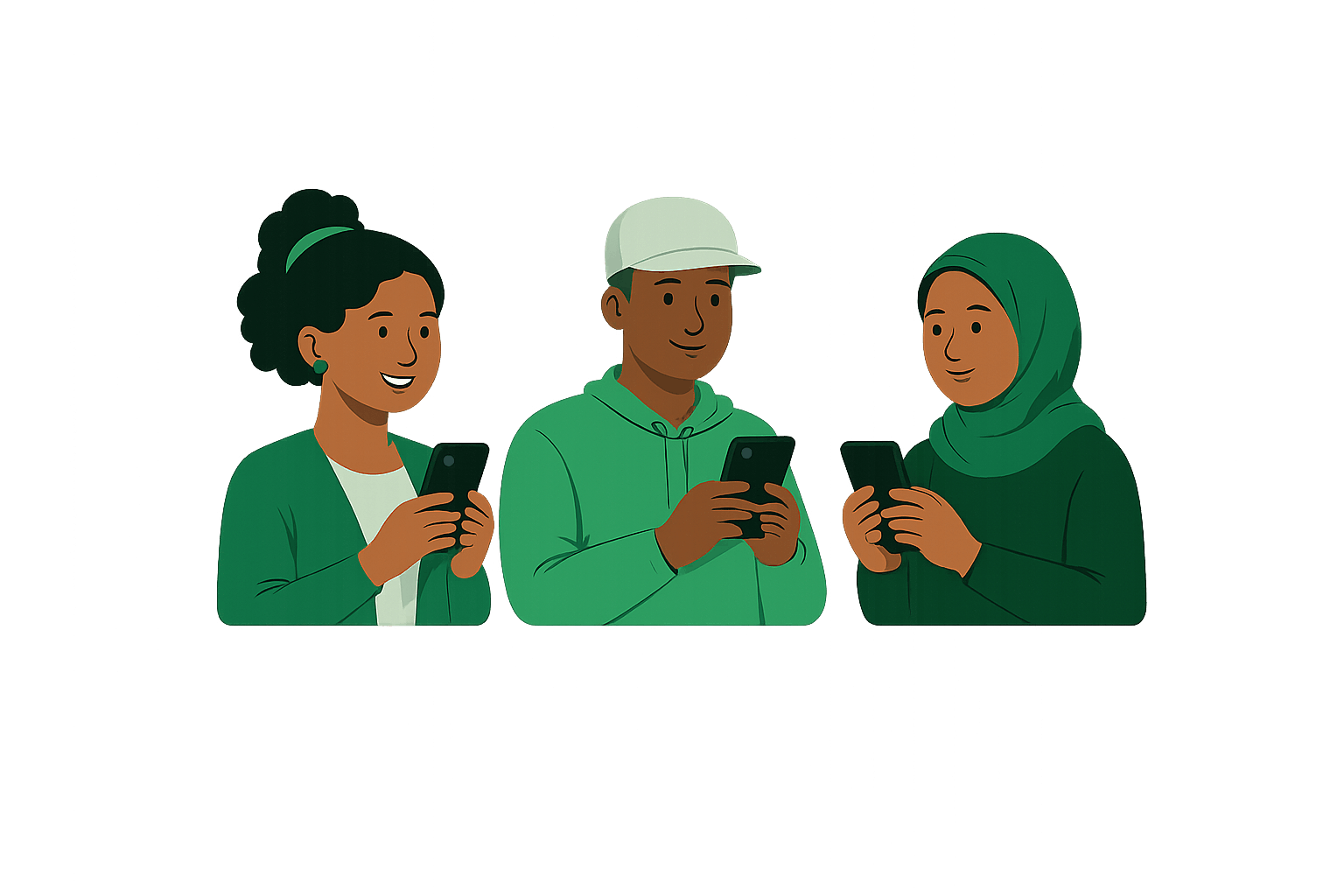
For EveryoneBuilt for every background and financial journey.
Inclusive by DesignSimple, accessible and relevant for everyone.
Empower Your FutureTrack goals, build saving habits and grow with confidence.
You're in ControlYour financial journey, your future, your freedom.

Everyone deserves access to tools that build a better financial future.

Wavvy Wallet Financial Freedom experience on a phone
Your Data, Your Control

Privacy First with On-Device Storage

All your financial data is stored securely on your device. Wavvy Wallet ensures your privacy by eliminating external server storage, keeping your sensitive information safe.
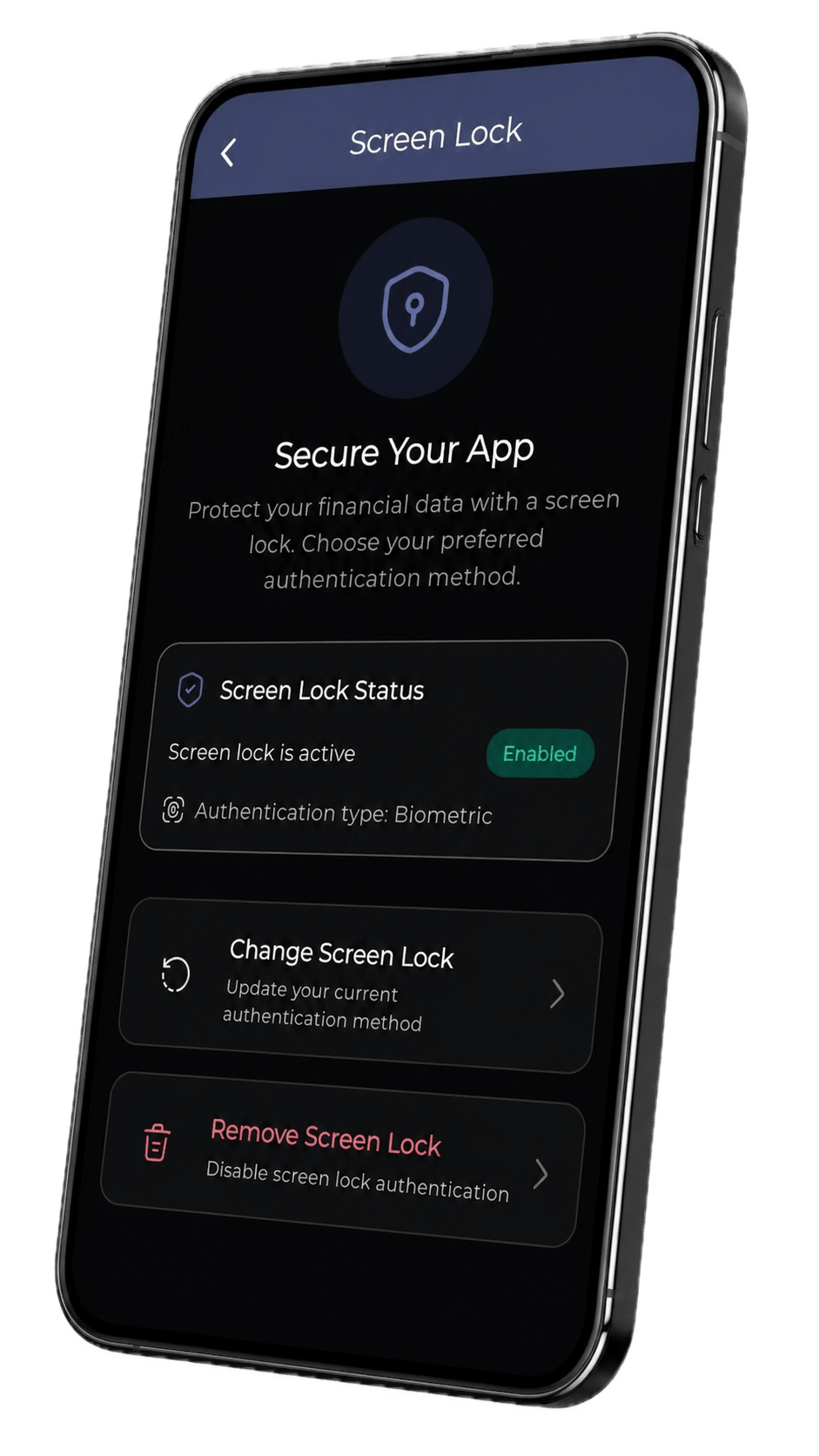
Your data stays with you
No external servers
100% private by design
Wavvy Wallet privacy screen: on-device storage, no external servers, and your data under your control
Making an Impact

Aligned with the UN Sustainable Development Goals

Our mission goes beyond your wallet. Wavvy Wallet supports the UN SDGs through better financial habits, transparency and everyday choices that add up for people and the planet.
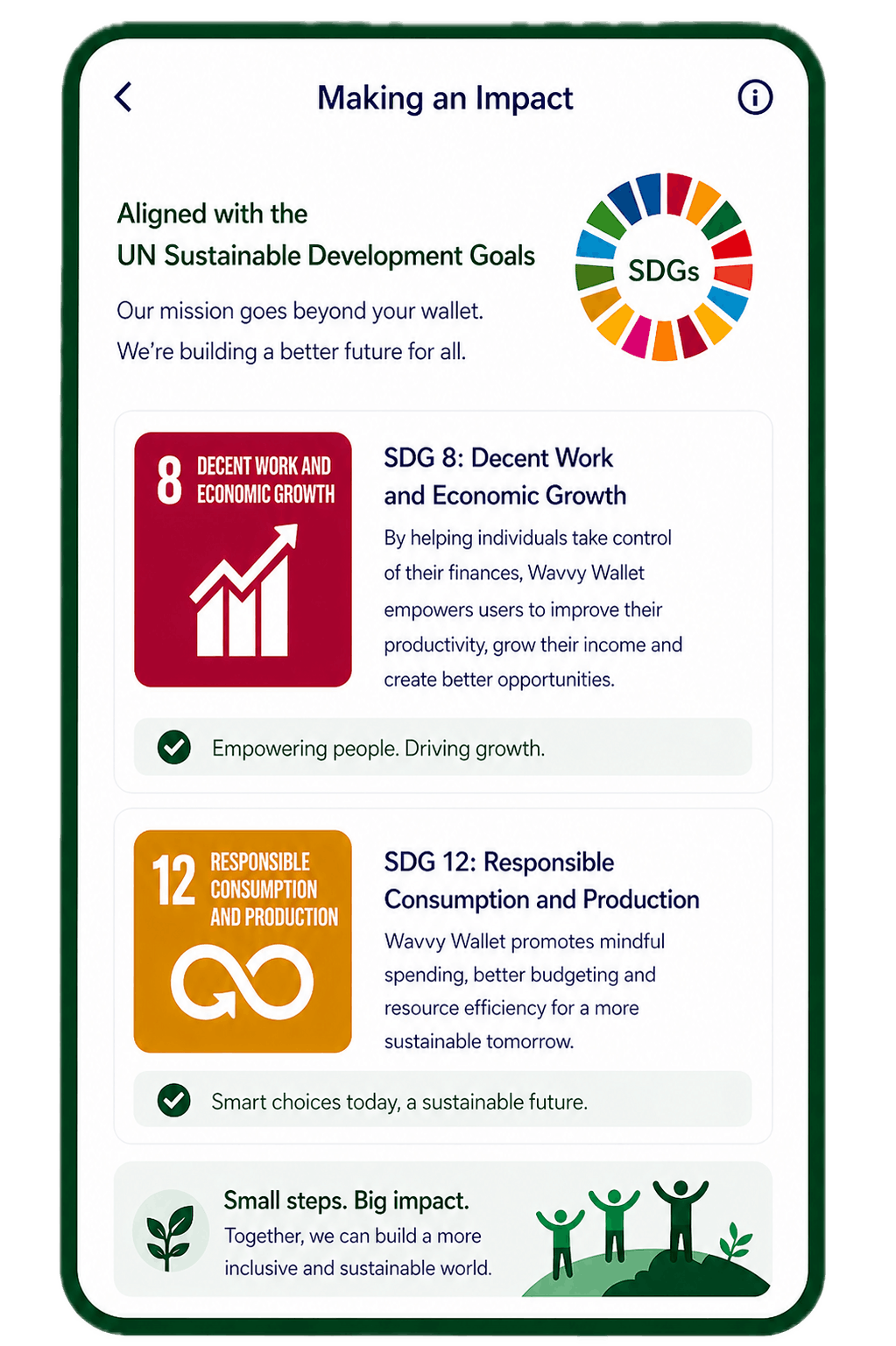
Decent work and growth
Responsible consumption
Small steps, big impact
Wavvy Wallet Making an Impact: aligned with UN Sustainable Development Goals

Featured Story

Real stories from creators and businesses growing with Wavvy Wallet.

View All Stories
DJ Ally Fresh
DJ / Producer9th Jan 2026

How Wavvy Wallet Helped Me Track Every Shilling Spent Releasing Swakacha

Releasing an album is creative, emotional and expensive. When I decided to independently release my project Swakacha, I knew the music had to be intentional, but so did the money behind it.

- DJ Ally Fresh, DJ / Producer

  • Tracked every expense in real-time
  • Stuck to budget and avoided debt
  • Released with financial clarity
Read Full Story

What Our Users Say

Real feedback from people who love using Wavvy Wallet.

Pricing Plans

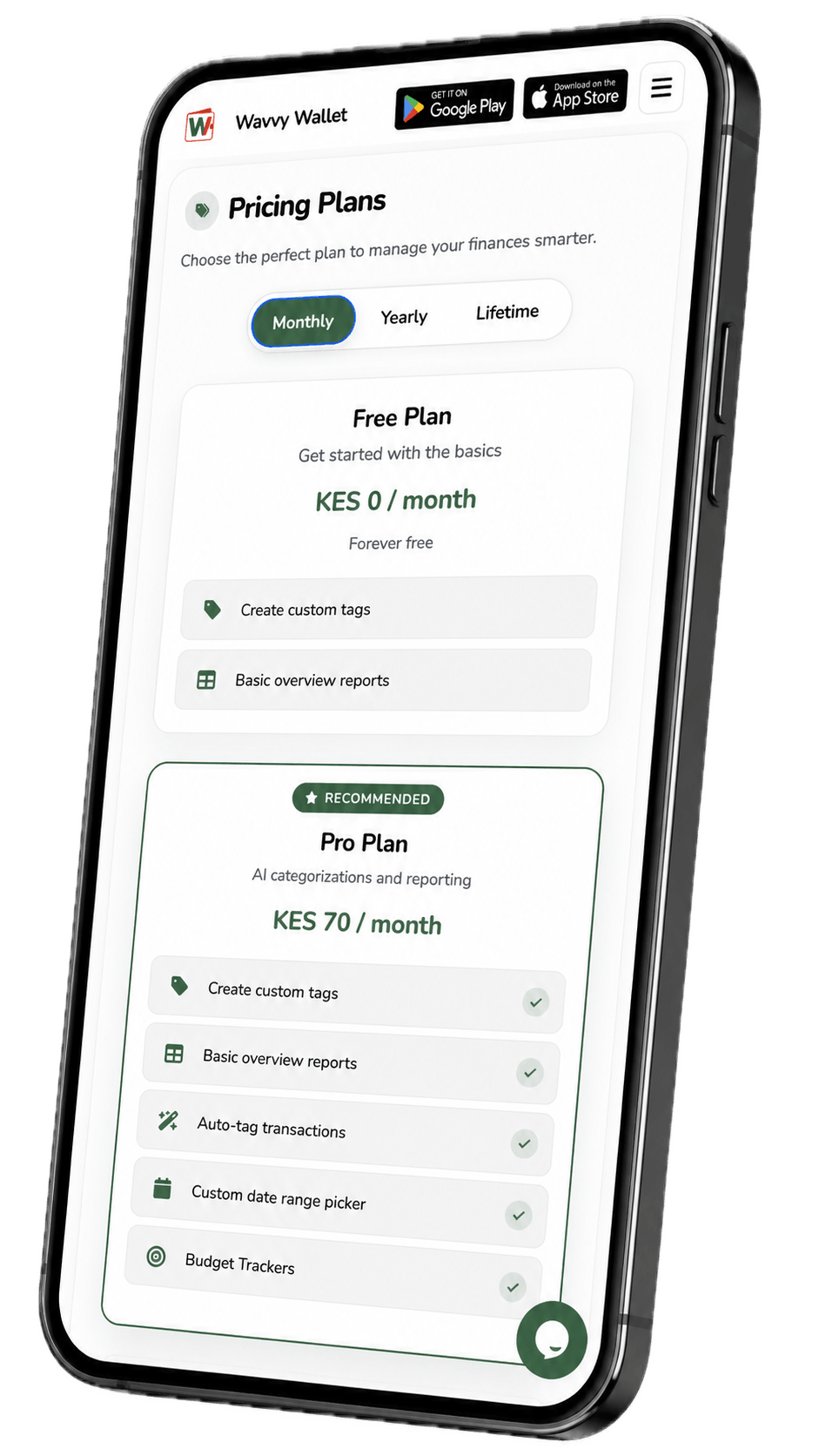
Choose the perfect plan to manage your finances smarter.

Secure & PrivateYour data is 100% secure.
Cancel AnytimeNo long-term commitments.
24/7 SupportWe're here to help.

All subscription payments are non-refundable.

Frequently Asked Questions

Everything you need to know about Wavvy Wallet.
About Wavvy Wallet

Wavvy Wallet is an AI-powered expense tracker built for Kenya. It imports your M-PESA transactions from SMS and PDF statements, organizes them into smart categories, and shows you clear reports and budgets so you always know where your money is going.

Install the app and allow it to read your M-PESA SMS receipts, or import a PDF statement. Wavvy's AI automatically tags each payment (rent, food, transport, airtime, and more) and learns from your edits over time. Your dashboard updates with spending breakdowns, trends, and budget progress. You can also add bank and cash transactions manually in the same view.

Kenya runs on M-PESA, and Wavvy is built for that reality. It recognizes local paybills, till numbers, and merchant names that generic finance apps often miss. Categories, insights, and budgets are tuned for Kenyan spending habits in Ksh, on your phone, so you spend less time fixing labels and more time making better money decisions.

Wavvy works best with M-PESA because that's where most daily transactions happen. Automatic import comes from your M-PESA SMS receipts. You can still track bank transfers and cash spending manually, but you'll get the fullest, hands-free experience with M-PESA as your primary money tool.

Features & Usage

Open the app and head to Insights from your dashboard. Pick a weekly, monthly, or custom date range to see where your money went, category by category. Pro and Pro Plus plans unlock deeper breakdowns and Cash Flow views that help you spot trends and plan ahead.

Yes, the Free plan includes custom tags and basic overview reports, so you can start tracking at no cost. Upgrade to Pro for auto-tagging, custom date ranges, and budget trackers, or Pro Plus for full insights and cash flow reports. See current prices in our Pricing section. Pay monthly, yearly, or once with a lifetime plan via M-PESA STK Push.

If you've completed payment but your subscription isn't showing yet, log out of the app and log back in. This refreshes your account and syncs the latest payment status. If it still doesn't update after signing back in, email info@wavvy.africa and we'll sort it out.

Security & Privacy

Yes. Wavvy is privacy-first by design: your financial records are stored on your device, not on external servers. We don't sell your data to third parties, and your transaction history stays under your control. Read more in our Privacy Policy.

Getting Started

Wavvy Wallet is free to download on Android and iOS via the Google Play Store and Apple App Store. Once installed, you can start tracking in minutes.

1. Download Wavvy from the Google Play Store or Apple App Store. 2. Sign in and allow M-PESA SMS access so your transactions import automatically. 3. Review your dashboard, set a budget, or explore reports. Need a walkthrough? Visit our Tutorials page, or email info@wavvy.africa and we'll help.

Take control of your finances today

Join thousands of smart users who are budgeting better, saving more and building a brighter future.